Hours
Monday to Friday: 9AM - 5PM

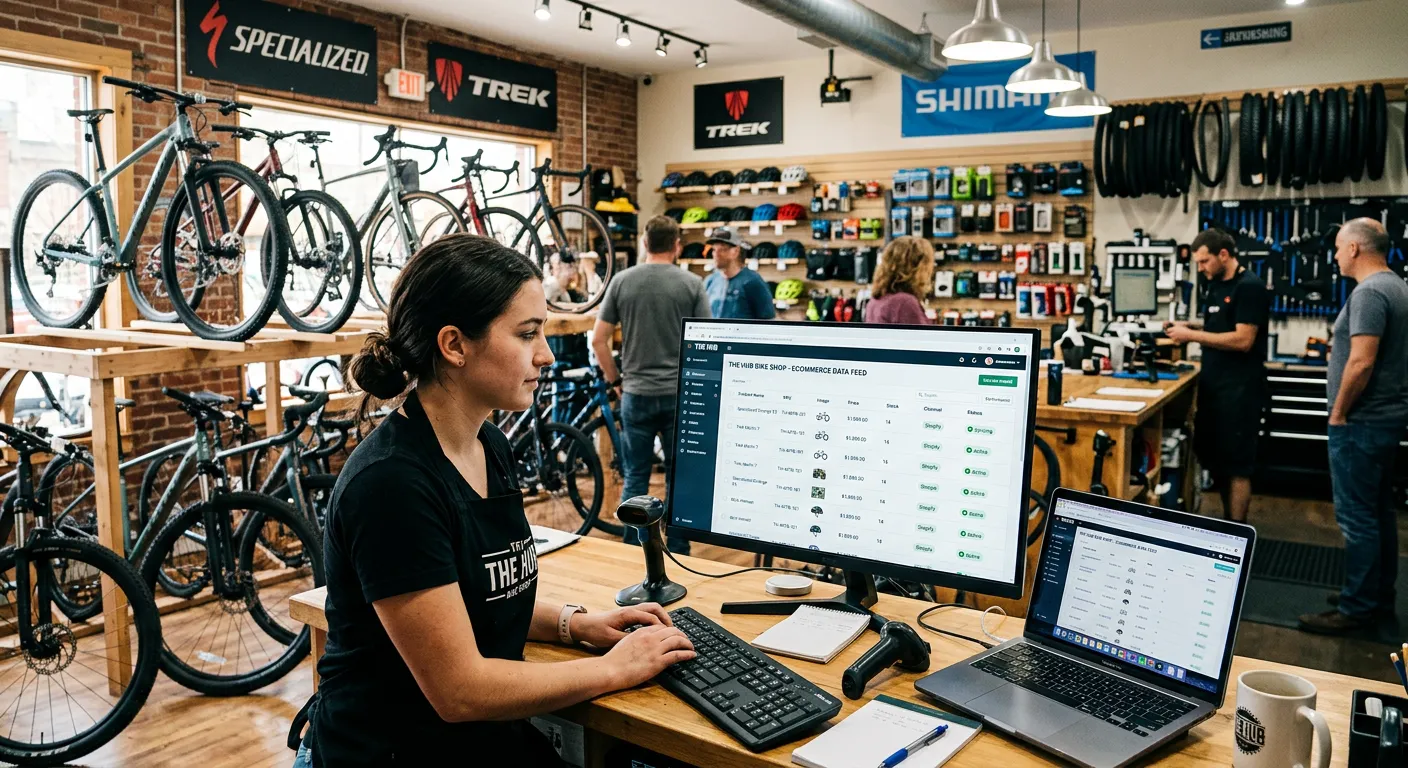

Most independent bike shops are running product data feeds without fully understanding what they are, what they do, and — most importantly — what they don’t do. That gap between what the feed delivers and what a functioning online store requires is where most shops are losing money right now.
| Quick Answer A product data feed is an automated data file — typically from a distributor like QBP, BTI, or J&B — that populates your online store with product information: names, descriptions, images, pricing, and inventory. Platforms like Workstand, Masterlinq, and Frengee connect these feeds to your store automatically. The feed keeps the catalog current, but it does not merchandise, market, or manage your store — that still requires active human attention. |
What a Product Data Feed Actually Is
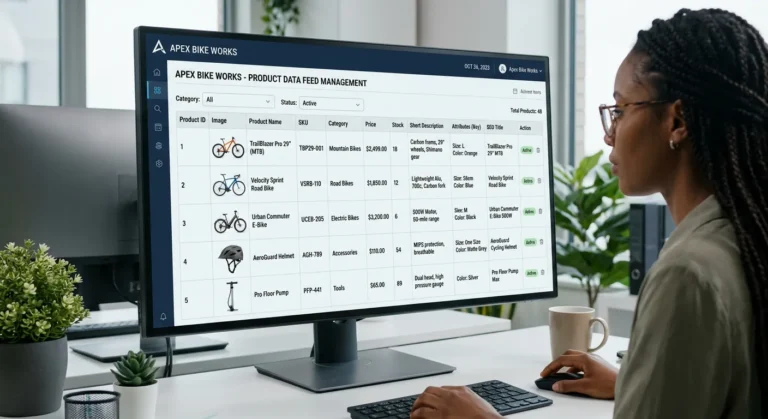
A product data feed is a structured file — usually a spreadsheet or API connection — that contains product information from a distributor or brand. It includes things like product names, descriptions, images, SKUs, pricing, and inventory levels. When connected to your e-commerce platform, it automatically populates and updates your store catalog without you manually entering products.
For bike shops, the major distributor feeds come from QBP (Quality Bicycle Products), BTI (Bicycle Technologies International), and J&B Importers. These three distributors represent the majority of the product universe an independent shop carries, and their feeds contain tens of thousands of SKUs.
How the Major Platforms Connect to These Feeds
Different platforms handle the feed connection differently:
Workstand has direct integrations with every major bike industry supplier built into the platform. When you sign up for Workstand, you’re essentially getting the feed infrastructure already connected. The catalog is there from day one.
Masterlinq acts as the middleware between Shopify and bike industry distributors. It manages the data translation — taking QBP, BTI, and J&B feed formats and making them work cleanly inside Shopify’s product structure. It also handles dropship order routing when a customer buys something that ships directly from the distributor.
Frengee is a Shopify-native app that handles real-time syncing of distributor inventory and pricing. Because it lives inside the Shopify admin, it doesn’t require a separate platform or login — the sync just happens in the background.
What the Feed Does — and What It Doesn’t
This is the part that matters most for understanding where shops go wrong.
The feed does: keep your product catalog current, pull in accurate pricing, update inventory levels, and save you from manually entering thousands of products.
The feed doesn’t: decide which products to feature on your homepage, write better product descriptions than the generic distributor copy, tell your customers about the products, collect their emails, or build any kind of relationship between your shop and your online visitors.
| A data feed is a digital warehouse. It’s not a storefront. The difference between a warehouse and a store is everything that happens between the product arriving and the customer buying it. |
The Generic Description Problem
Every shop using a QBP or BTI feed is getting the same product descriptions as every other shop using that feed. The same words, the same specs, the same manufacturer copy. Google sees thousands of websites with identical product content and has no reason to rank any of them. This is a significant SEO problem that most shops don’t realize they have.
The solution isn’t to rewrite every product description — that’s thousands of pages and not a reasonable use of anyone’s time. The solution is to build editorial content around your key categories, write unique descriptions for your top 20 to 30 highest-margin products, and make sure your homepage and category pages have original content that differentiates your store from every other shop running the same feed.
What Active Feed Management Actually Looks Like
Shops that are getting the most out of their distributor feeds aren’t just letting them run. They’re making active decisions about:
- Which products from the feed to feature prominently versus leave in the catalog depth
- Which categories to merchandise with curated selections versus leaving as raw feed output
- When to hide out-of-season or discontinued products rather than letting them clutter the catalog
- How to layer in manual products and local inventory alongside the feed items
- What promotions and bundles to build on top of the feed’s raw data
| Sound familiar? If your shop is running one of these platforms and the online side isn’t keeping up with the shop floor, that’s exactly what Upline works on. No pitch, no pressure — just a straight conversation about what’s going on and whether we can help. Contact Upline We Can Help |